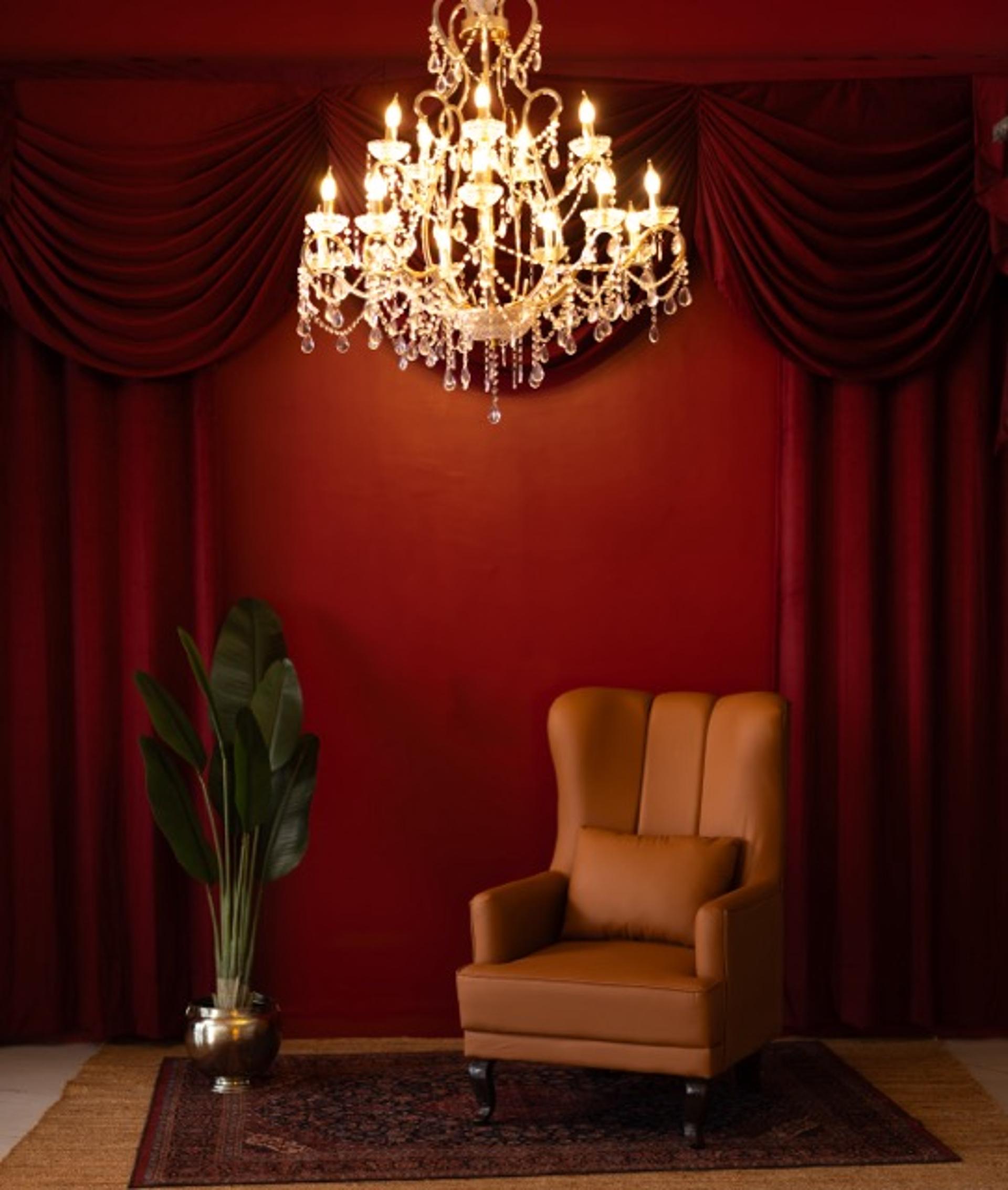
Use AI for ideas, drafts and internal mockups. Shoot anything that shows the actual product, a real person or a claim a customer will rely on. That is the short version. The rest of this guide breaks it down by task so you can decide quickly. For a comparison focused on photography, see AI photoshoots vs studio shoots in India.
Should you use AI or a real shoot? A task-by-task guide
- Moodboards and concept ideas: AI is fine.
- Script hooks and ad copy variants to test: AI is fine, then edit.
- Background or scene mockups for internal pitches: AI is fine.
- Product page and marketplace images: shoot the real product.
- Apparel, jewellery, beauty and skincare visuals: shoot, because fit, texture, colour and finish matter to the buyer.
- Founder videos, testimonials and creator content: shoot, because the value is a real person.
- Podcasts and interviews: record, because audio quality and the real speaker are the product.
- Resizing, background clean-up, captions and transcripts: AI tools save time, but check the output.
Why should product images be shot, not generated?
- Accuracy: colour, texture, scale and fit are what buyers judge. AI images often change small details, and a mismatch between the image and the product is a common reason for returns and complaints.
- Platform rules: marketplaces and ad platforms expect images that represent the product accurately. Check each platform's current guidelines. Our guides cover quick-commerce product images and marketplace image sizes.
- Reusable source material: a real photo of the product is also the base for any later AI edits, variations or retouching.
- Rights: if a real model appears in your content, usage rights apply either way. See model fees and usage rights.
Where does AI actually save time and money?
- Early concepts: test several looks and set ideas before you book a studio or pay for props.
- Ad testing: draft many hook and headline variations, then shoot only the strongest.
- Planning: turn a rough idea into a shot list or call sheet draft (see photoshoot call sheet and shot list).
- Post-production support: transcripts, audio clean-up, resizing and formatting for different platforms.
What does a workflow that uses both look like?
- Pre-production: use AI for concepts, moodboards and copy options. Plan the real shoot around the winners.
- Shoot day: capture product stills, lifestyle shots, short videos and creator content in one booking, so you have a library for the next few weeks. Shooting products on a budget and SKUs per hour for ecommerce shoots help you plan the day.
- Post-production: use AI tools for repetitive tasks, and keep a person responsible for colour accuracy, final selection and checking each image against the real product.
Can you use AI-generated product images on Amazon or other marketplaces?
Check the marketplace's current image policy before you do. In general they expect images that show the product as it is, so a real photo is the safer base for the main listing images. If you use AI for supporting visuals, make sure they do not change the product's look, size or features.
Are AI product photos cheaper than a studio shoot?
Per image, often yes for backgrounds and variations. But you still need accurate source photos, and the time spent prompting, fixing artefacts and re-checking details adds up. Compare the full cost, including corrections and possible returns, rather than the cost per image. A single studio day can cover many products and formats; see studio rental price per hour and product photography studios for D2C brands for what to expect.
Where can you book a studio for a product shoot?
Browse studios on ContCave by city and shoot type, and compare price, hours and what is included before you book.