Amazon Flipkart Myntra Image Size: One Shoot for All 5 (2026)
Most D2C catalogue teams sell on several marketplaces at once, and each one has its own image rules. Shoot only for Amazon and Myntra rejects your square crops; shoot only for Myntra and Flipkart wants something else. Getting the Amazon, Flipkart, Myntra image size and background rules right before you book the studio means one session can cover Nykaa and Meesho too, with nothing bounced back by QC and no second shoot during festive season. This guide lists the specs, then shows how to frame, light, name and export so one set of frames works everywhere.
The specs, marketplace by marketplace
These figures come from third-party seller guides and common seller experience, not from a single official source. Marketplaces update their rules, so confirm every number in your seller panel before the shoot.
Amazon main image:
- Pure white background, RGB 255, 255, 255
- Product fills roughly 85 percent of the frame
- At least 1000 pixels on the longest side so zoom works
- No text, logos, watermarks or graphics on the main image
- Clothing shown on a model or laid flat
Myntra:
- 1080 by 1440 pixels or larger, in 3:4 portrait
- White or light grey background
- No tags or watermarks
- Uploading 1:1 square images is a commonly cited reason for rejection
Nykaa:
- Around 1500 by 2000 pixels or larger, which is also 3:4
- JPEG or PNG
- File size under roughly 2MB
Flipkart:
- Square 1:1
- White background
- Around 1000 by 1000 pixels or more recommended
- No watermarks or borders
Meesho:
- Square, at least around 1000 by 1000 pixels
- White or light background
- No text, MRP or logos on the image
- Fully AI-fabricated product images are not allowed
The pattern is clear: two families of crop. Flipkart and Meesho want square images on white, and an Amazon main image on pure white exports cleanly as a square too; Myntra and Nykaa want 3:4 portrait. Plan for both from the start.
Shoot with crop headroom: one frame, two ratios
The single most useful habit is shooting with space around the product so one frame can be exported as both 1:1 and 3:4. Frame in portrait, place the product in the centre, and leave clean background above, below and to the sides.
- Shoot at full camera resolution so even a tight 1:1 crop stays well above 2000 pixels
- Use a centred composition; off-centre framing breaks when you switch ratio
- Keep the whole product, including straps, soles and hanging tags you intend to remove, inside the safe area of both crops
- Turn on a 1:1 and 3:4 crop overlay in your tethering software so the team checks both while shooting
Shoot loose, crop tight: it is easy to cut background away in post and impossible to add product that was never in the frame.
For Amazon's roughly 85 percent fill, you will crop tighter on the square export than for Myntra, where a little more breathing room on the portrait version usually looks better. That is fine as long as the original frame had headroom.
Plan the shot list per SKU
Write the shot list before the shoot and print one row per SKU, ticking off angles as you go. A standard set:
- Front
- Back
- Side or three-quarter
- Detail: fabric texture, stitching, closure, plating or print
- Scale: in hand, against a common object or on a body
- On-model: full length and mid shot for apparel, worn shots for accessories and jewellery
For apparel, Amazon accepts on-model or flat lay, so decide early which you will use as the main image and shoot both for hero SKUs. For beauty and personal care listed on Nykaa, add texture and swatch shots. Realistically, a team with a stylist and a tethered camera can cover a few dozen simple SKUs in a full day; complex apparel with model changes takes longer, so build the day from your shot list rather than a guess.
Why a white cyclorama or sweep studio helps
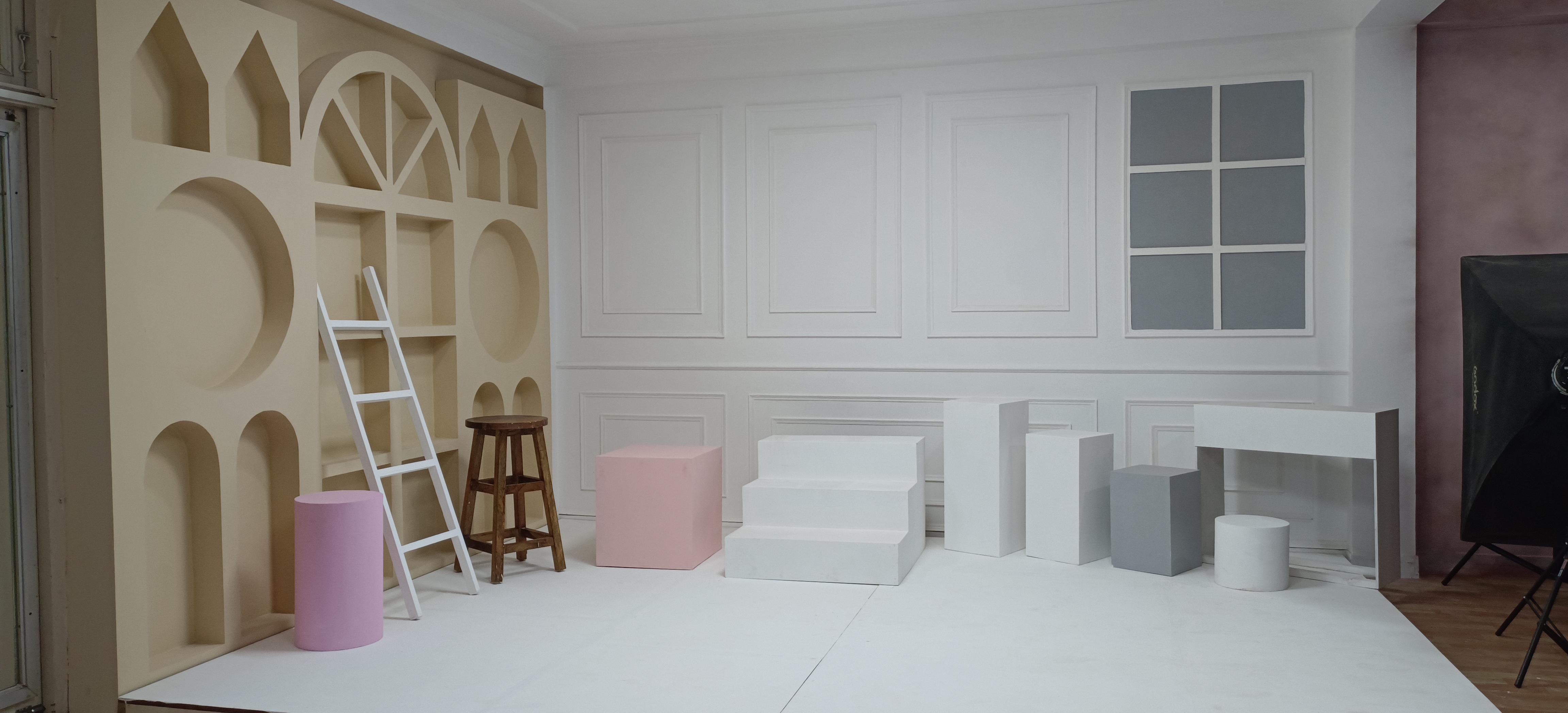
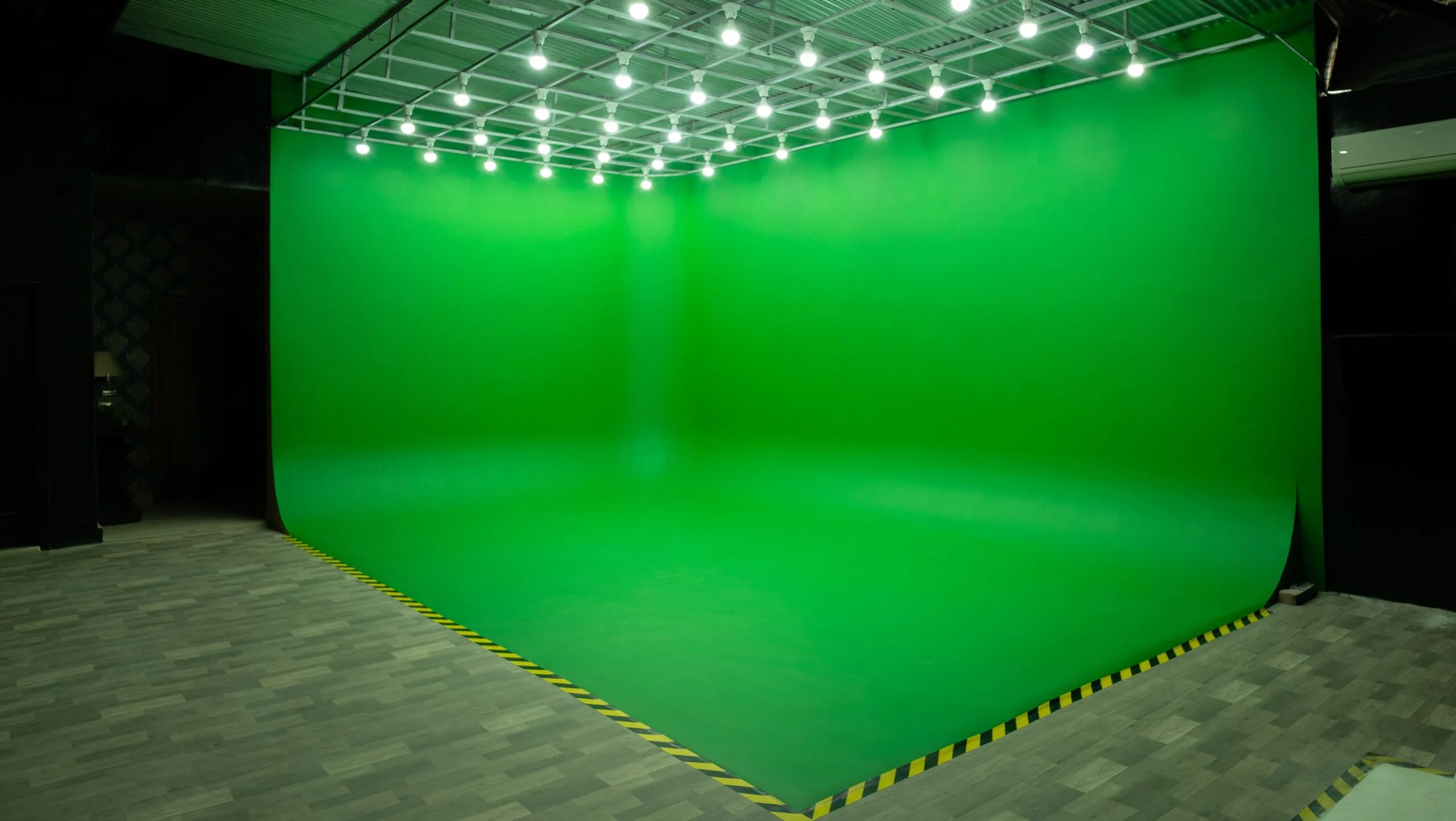
A white cyclorama, or a paper or vinyl sweep, removes the corner between floor and wall, so the background reads as one continuous white. That makes it far easier to reach the pure white Amazon expects and the clean light backgrounds Flipkart, Myntra and Meesho ask for, with less masking in post.
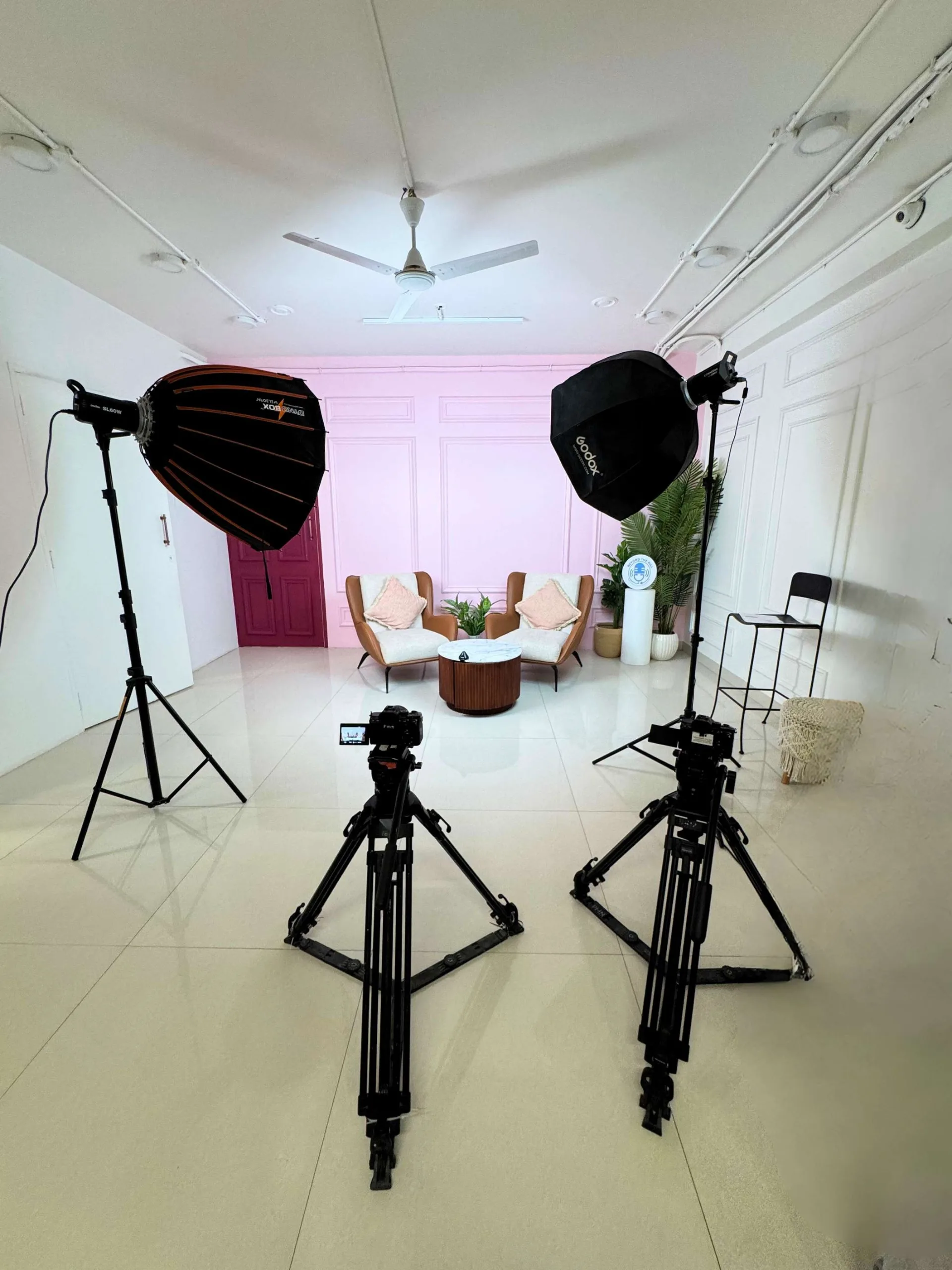
Light the background separately from the product. Two lights on the cyc, slightly overexposed relative to the product, give a clean white without blowing out the edges of the item. A main softbox and fill on the product keep shadows soft. For a light grey Myntra background, simply lower the background lights.
When you shortlist studios, check that the cyc is freshly painted, ask about background lights and stands, and confirm whether you can bring your own sweep for small products. A short message to the host before booking settles this.
Colour accuracy: grey card and consistent light
Returns often start with "colour not as shown". Protect against it:
- Shoot a grey card or colour checker at the start of each setup and whenever lights change
- Set a custom white balance from the card and keep it fixed for the session
- Use the same lights for the whole catalogue; do not mix daylight from a window with studio strobes
- Calibrate the editing monitor and correct the whole batch from the card frame
- Compare a printed or on-screen frame against the physical product before you sign off
Naming and export workflow
A consistent naming scheme stops the wrong file going to the wrong marketplace. One approach:
- Master files: SKU_angle_number, for example SKU1234_front_01
- Export folders per marketplace: amazon, flipkart, meesho, myntra, nykaa
- Square exports for Amazon, Flipkart and Meesho at around 2000 by 2000 pixels, which clears the 1000 pixel minimums with room for zoom
- 3:4 exports for Myntra at 1080 by 1440 or larger and for Nykaa at around 1500 by 2000
- JPEG at a quality setting that keeps Nykaa files under its size limit; check before upload
- Strip any text, borders or watermarks from marketplace exports and keep branded versions in a separate folder for your site and ads
Batch the exports with an action or preset so every SKU goes through the same steps.
FAQs: Amazon, Flipkart and Myntra image size
What is the image size for Myntra?
Seller guides commonly cite 1080 by 1440 pixels or larger, in a 3:4 portrait ratio, on a white or light grey background with no tags or watermarks. Confirm the current requirement in your Myntra seller panel before exporting.
Why was my Meesho catalogue rejected?
Common reasons include images below the minimum size, backgrounds that are not white or light, and text, MRP or logos on the image. Fully AI-fabricated product images are also not allowed. Check the rejection reason in your supplier panel and the current image rules there.
Can I use the same photos on Amazon and Flipkart?
Usually yes, if you shoot on pure white with the product centred. Both use square, white-background main images, though Amazon's rule about the product filling about 85 percent of the frame may need a tighter crop. Export separate versions so you can tune each.
Does Myntra accept square images?
Seller guides consistently say Myntra wants 3:4 portrait images, and uploading 1:1 squares is a commonly cited rejection reason. Shoot with crop headroom so the same frame exports to both square and portrait.
Why book with ContCave
ContCave lets you browse and compare studios across Delhi, Gurugram and Noida in one place, including white cyclorama spaces, with hourly pricing upfront. You can check listing photos, amenities, add-ons and packages hosts offer, read reviews from past bookings, and message the host to confirm the cyc condition and lighting before you book. Booking and payment happen online, with a published cancellation policy on each listing.
Final takeaways
Marketplace QC rejections are mostly a planning problem. Shoot on clean white with crop headroom, cover every angle per SKU, and export to each marketplace's spec from one set of masters.
- Confirm current image specs in each seller panel before the shoot
- Book a white cyclorama or sweep studio and light the background separately
- Frame centred with room for both 1:1 and 3:4 crops, using a crop overlay while tethered
- Shoot a grey card each setup and keep white balance fixed
- Name masters by SKU and angle, and batch-export into per-marketplace folders