Online Class Recording Studio Setup: Home vs Rent in India 2026
Every teacher who moves online hits the same fork: build an online class recording studio setup at home, or rent a proper studio and record a whole module in one go. Home is cheap and always available, but the fan, the pressure cooker and the neighbour's renovation never take a day off. A rented studio gives you clean sound and light by the hour, but only pays off if you walk in prepared. This guide covers indicative costs for a home teaching setup, the kit that actually matters, how to plan a batch-recording day with realistic output maths, and simple rules for deciding when to record at home and when to book a studio.
What a home teaching studio setup costs in India
Edtech and equipment-vendor blogs commonly put a workable home teaching setup at roughly ₹15,000. Treat these as indicative ranges seen in vendor guides, since prices move with brand, sales and city.
- USB condenser mic: roughly ₹2,500 to ₹3,500
- Ring light or small LED panel: roughly ₹800 to ₹1,500
- Camera: the smartphone you already own, on a stable stand or tripod
- Pen tablet for handwriting and diagrams: roughly ₹3,500 to ₹6,000
- Software: free, using a common stack of OpenBoard (digital whiteboard), OBS (recording and scene switching) and CapCut (editing)
Vendor guides describe budget tiers from about ₹8,500 for a basic kit to about ₹20,000 to ₹37,000 for a mid-range setup with a better mic, a second light and a dedicated webcam or entry camera. Commercial studio build packages for coaching institutes are quoted from around ₹1.25 lakh upwards, though that is a vendor figure and actual costs depend heavily on room size and acoustic work.
Rule of thumb: spend on audio before video. Students forgive a soft image; they abandon a lesson with echo and fan hum.
Equipment you actually need to record online classes
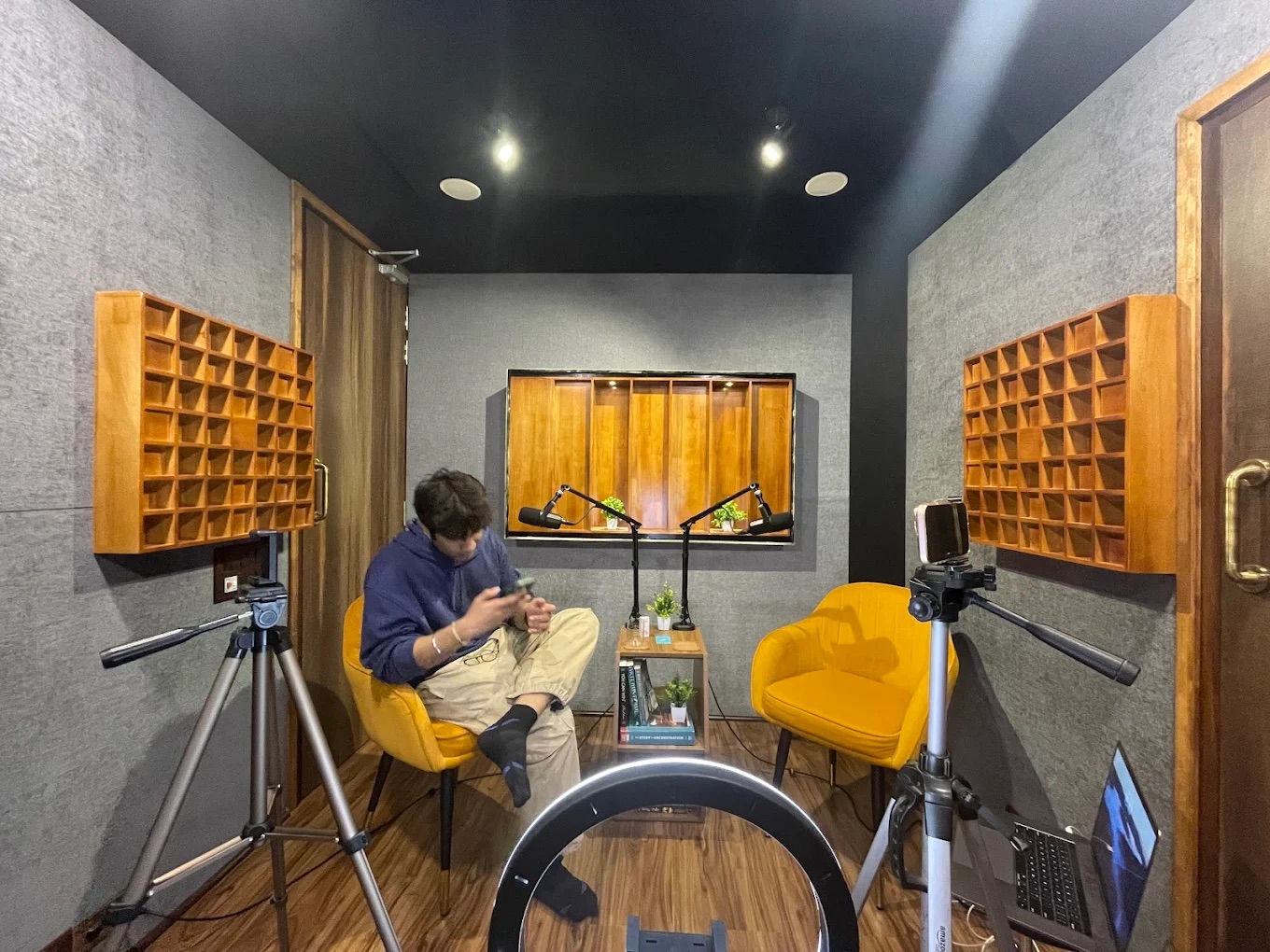
Audio comes first. A USB condenser mic is the easiest start, but condensers pick up room echo. In an untreated room, a wired or wireless lavalier clipped 15 to 20 cm below your chin usually sounds cleaner because it sits close to your mouth. A shotgun mic on a boom just out of frame is the studio standard for face-to-camera teaching and frees you from clips and cables.
Room treatment matters more than mic price. Soft furnishings, a rug, curtains, a bookshelf behind the camera and blankets on hard walls cut echo noticeably. Switch off fans and AC while recording and take breaks to cool down.
For video, place your key light slightly above eye level and to one side of the camera, with a second softer light or a white wall bouncing light onto the other side. Lock exposure and white balance on your phone so the picture does not pulse as you move.
- Two-camera setup: one camera on your face, one on the whiteboard or desk for handwriting, switched in OBS or edited later
- Teleprompter: a phone or tablet teleprompter app in front of the lens keeps eyeline natural for scripted sections
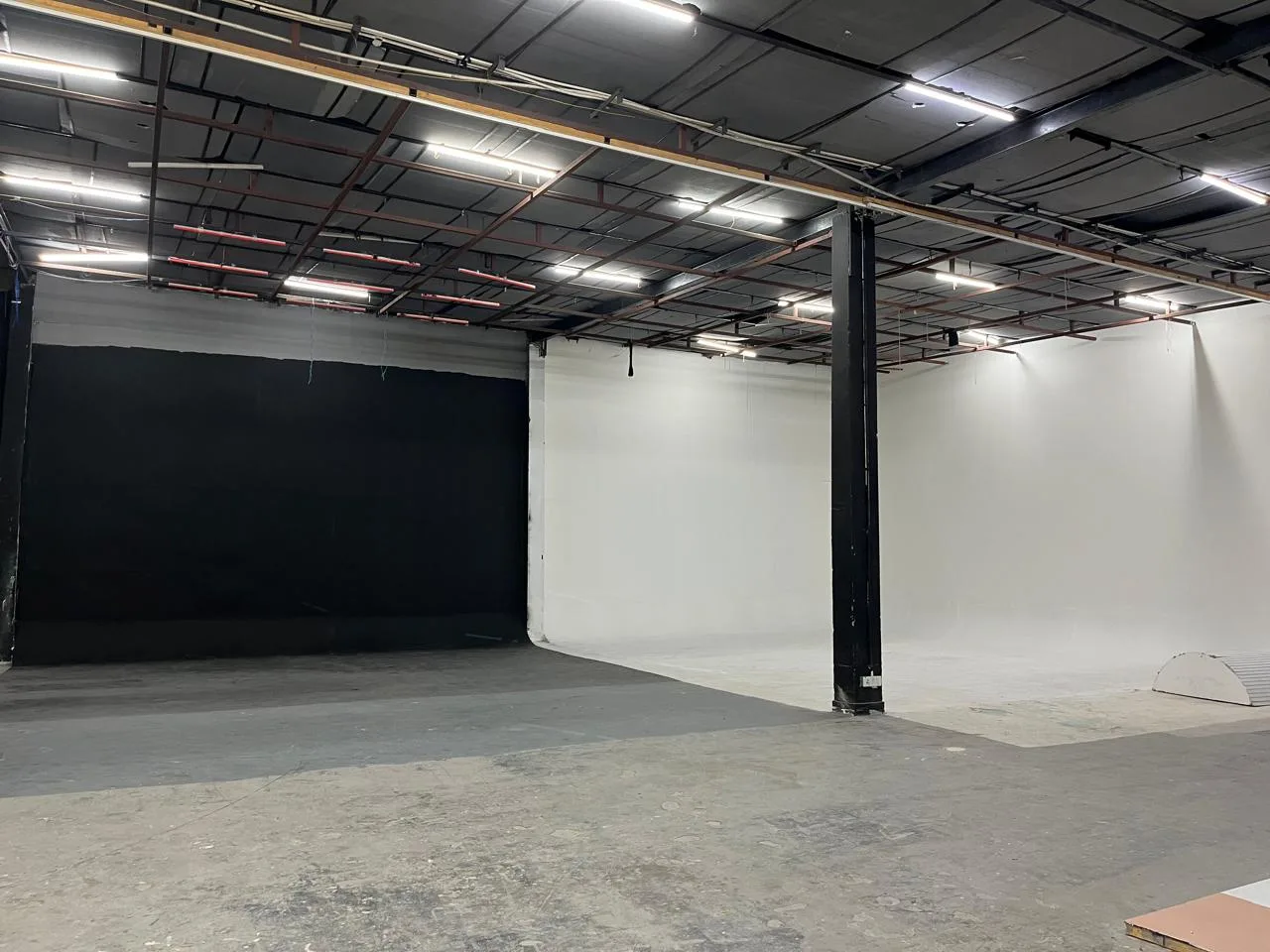
- Green screen: useful if you want to place yourself over slides, but needs even lighting on the screen and space between you and it to avoid green spill
Should you rent a studio to record your course?
Home works well for weekly live classes, doubt-solving sessions and quick updates. Renting wins when you need a lot of polished content in a short time.
- Rent if you are recording a full course or module you will sell for a year or more
- Rent if your home has noise you cannot control: traffic, construction, shared walls
- Rent if you need a whiteboard, green screen, two cameras or a teleprompter you do not own
- Rent if you want a consistent look across dozens of lessons recorded on different days
- Stay home for live classes, short updates and anything you will re-record next term
Video-capable studios in Delhi NCR list hourly rates that vary with size, equipment and location, so compare the hourly price against what a ₹20,000 to ₹37,000 mid-tier home kit would cost you, plus the time spent fighting noise at home.
Batch recording maths: how much can you record in one slot?
Batch recording means planning several lessons into one booked slot. The maths needs honesty about setup, retakes and resets. Here is a realistic plan for a 4-hour studio slot:
- 0:00 to 0:30: set up mics, lights, cameras, teleprompter; record a 1-minute test and play it back
- 0:30 to 1:45: record lessons 1 and 2
- 1:45 to 2:00: break, water, outfit change, check files
- 2:00 to 3:30: record lessons 3 and 4
- 3:30 to 4:00: pickups, intro and outro clips, copy and verify files, pack down
That leaves about 2 hours 45 minutes of recording time. With retakes, a scripted teacher usually gets a finished-to-raw ratio of around 1:2 to 1:3, so expect roughly 55 to 80 minutes of finished lesson content from the slot. Unscripted teaching with live whiteboard work tends to sit at the lower end. If you have 40 lessons of 12 minutes each (480 finished minutes), plan for six to eight 4-hour slots, or three or four full days.
Pro tip: record your hardest, most technical lessons in the first two hours, while your voice and concentration are fresh.
Prep that saves studio hours
Most wasted studio time comes from preparation that happened in the studio instead of before it.
- Script or bullet every lesson; load scripts into the teleprompter app before you arrive
- Finalise slides and export them as images or PDF; test them in OBS at home
- Number every lesson and slide deck so file names match your course outline
- Wardrobe: solid colours in mid-tones; avoid fine stripes, small checks and tiny patterns that shimmer on camera; avoid green if you use a green screen
- Bring two or three outfits so lessons look like they were recorded on different days
- Carry a water bottle, throat lozenges, a comb, a lint roller and power banks
- Message the host in advance about mics, lights, whiteboard, teleprompter and power points
File handling and backups
Losing a day's recording is the one mistake you cannot fix. Record in the highest quality your camera and storage allow, and record audio on a separate device as a backup where possible.
- Carry at least two fast memory cards and an external SSD with enough free space for the full day
- Name clips by lesson number and take as you go, or note them on paper
- Copy files to the SSD at every break and check that they play
- Keep a second copy on cloud storage or another drive the same evening
- Clap once on camera at the start of each take to sync separate audio in editing
FAQs: online class recording studio setup
How much does an online teaching studio setup cost in India?
Edtech and vendor guides put a workable home setup at roughly ₹15,000, with budget tiers from about ₹8,500 for basics to about ₹20,000 to ₹37,000 for a mid-range kit. Commercial studio builds for institutes are quoted from around ₹1.25 lakh, but treat that as a vendor figure.
What equipment do I need to record online classes?
A good mic (USB condenser, lavalier or shotgun), one or two soft lights, your phone or a webcam on a stable stand, and a pen tablet if you teach by writing. Add a second camera for whiteboard work and a teleprompter for scripted lessons as you grow.
Should I rent a studio to record my course?
Rent when you are recording a full course in batches, need controlled sound or equipment you do not own, or want a consistent look across many lessons. Keep live classes and quick updates at home.
Which software do teachers use to record lectures?
A common free stack is OpenBoard for a digital whiteboard, OBS for recording and switching between camera and screen, and CapCut for editing. Many teachers also use the recording features inside their teaching or meeting platform for live sessions.
Why book with ContCave
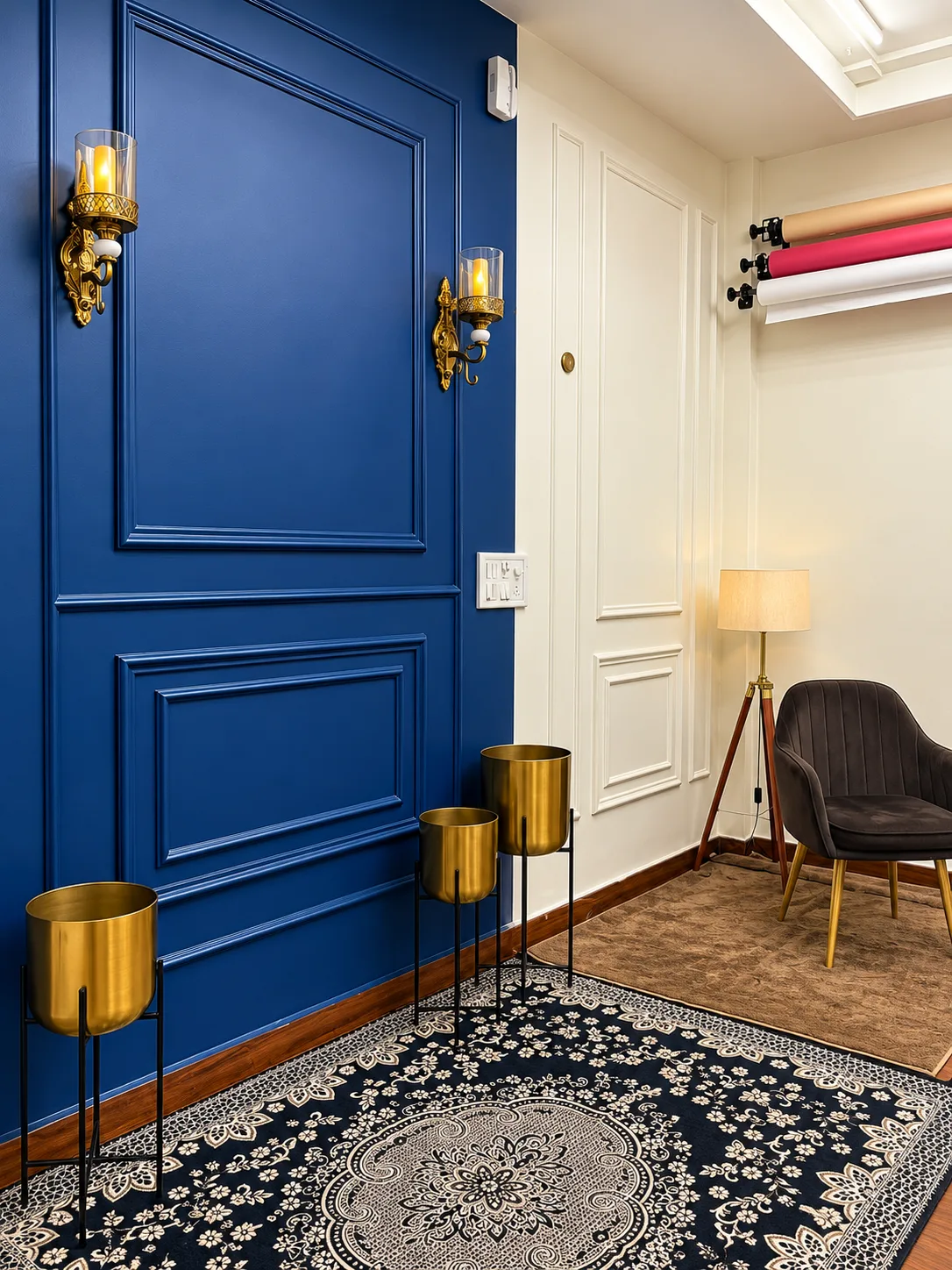
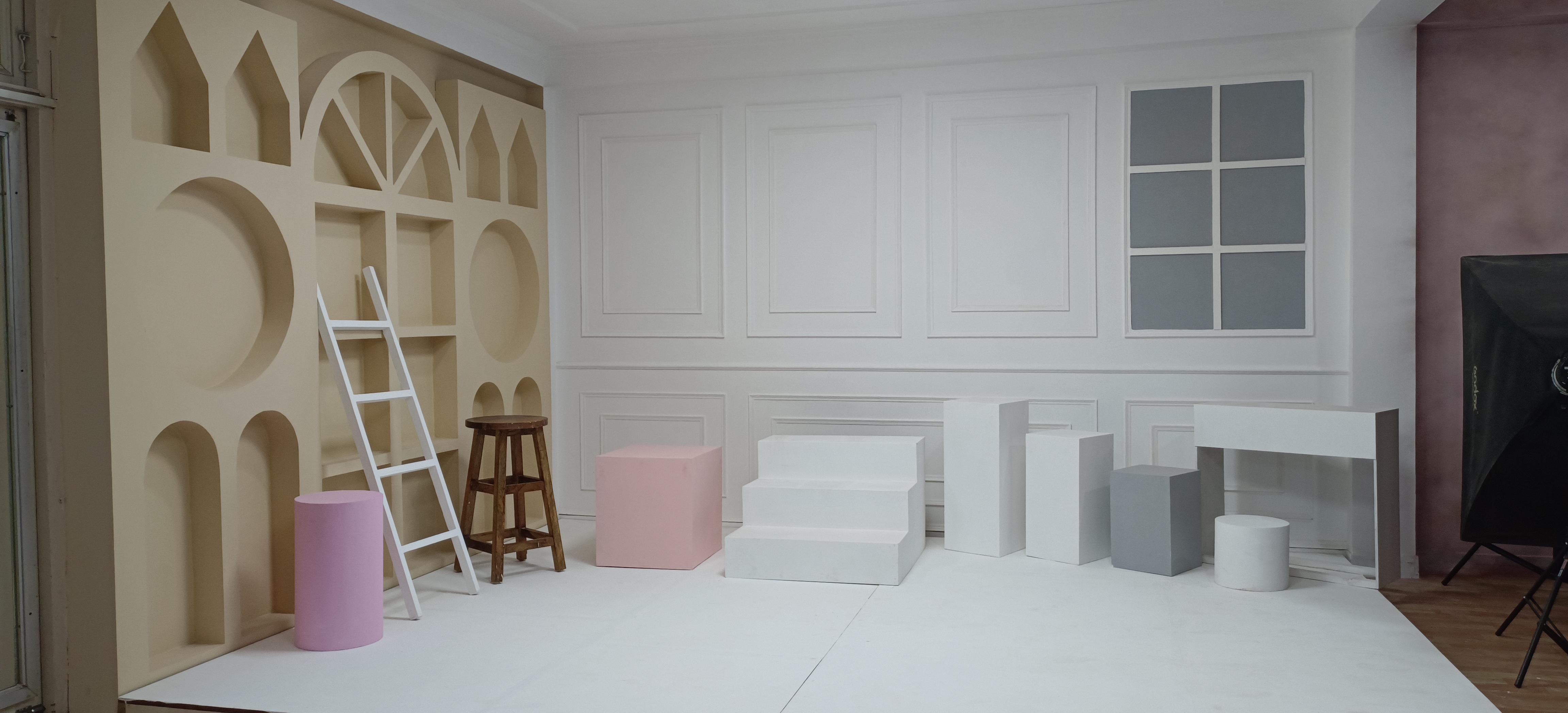
ContCave lets teachers and course creators browse and compare video and podcast studios across Delhi, Gurugram and Noida in one place, with hourly pricing shown upfront. You can check listing photos, amenities, add-ons and packages, read reviews from past bookings, and message the host to confirm mics, lights or a green screen before you book and pay online.
Final takeaways
A home setup is the right base for most teachers, and a rented studio is the right tool for recording a full course quickly and consistently. Plan the maths before you book, prepare everything outside the studio, and protect your files.
- Fix your audio at home first: mic placement, soft furnishings, fans off
- Script and number every lesson before booking any studio time
- Use the 4-hour slot plan to estimate how many slots your course needs
- Pack two or three outfits without fine stripes or small checks
- Back up every clip at each break and again the same evening