Content Calendar for Creators: Plan a Month in One Studio Day
Most creators who feel stuck on posting frequency do not have an idea problem, they have a scheduling problem. Building a content calendar for creators around one dedicated studio day, instead of scattered one-off sessions, is the fastest way to fix that: you plan every post you need for the month first, then shoot all of it in a single block of hours. This guide walks through how to structure that day, what to shoot in what order, and how to keep the output varied enough that nobody can tell it was filmed in one sitting.
Why one studio day beats weekly shoots
Every individual shoot carries fixed costs that have nothing to do with filming: setting up lights, testing audio, changing a background, waiting for a slot to open up. When you shoot weekly in whatever space is free, you pay that setup cost every single time. Batching collapses it into one payment. A single 4-6 hour studio booking, planned properly, can realistically cover 3-5 weeks of reels, a handful of long-form pieces, and a stack of photos for feed posts, thumbnails and brand decks.
This is not about shooting less often creatively, it is about decoupling the shooting cadence from the posting cadence. You can still post 3-5 times a week; you just are not filming 3-5 times a week to do it.
Rule of thumb: budget one studio hour for every 2-3 short-form pieces you want fully lit, framed and captured, once your shot list and outfits are sorted in advance.
Build the calendar before you book the studio
The order matters. Booking a studio first and figuring out what to shoot once you arrive wastes paid hours on decisions you could have made for free at home.
Start by listing every deliverable you need for the next 4-5 weeks:
- Recurring formats (a weekly talking-head reel, a weekly tutorial, a recurring series segment)
- One-off pieces tied to a launch, festival, or brand deadline
- Feed photos, carousel images, and thumbnail shots that support those posts
- Any long-form video (YouTube, podcast, brand film) that needs a cleaner setup
Group similar setups together. If three reels need the same background and lighting, shoot them back-to-back before you touch a light stand. This single habit is what separates a studio day that runs over time from one that finishes early.
Structure the shoot: setups, not minutes
Instead of planning your day by the clock, plan it by setup changes, since every change costs you 10-20 minutes regardless of the studio. A workable structure for a 5-6 hour booking in a mid-size Delhi NCR studio:
- Setup 1, 60-90 min: talking-head and interview-style reels, one backdrop, 2 outfit changes, 6-10 pieces
- Setup 2, 60-90 min: product or flat-lay shots for feed and thumbnails, one table setup, 30-50 usable frames
- Setup 3, 45-60 min: a different backdrop or natural-light corner for a second content look, 4-6 reels
- Buffer, 30-45 min: retakes, b-roll, and any long-form segment that overran
Most studios in Delhi, Noida and Gurugram rent by the hour, typically somewhere in the ₹500-₹2,000 range depending on size and equipment, so a 5-6 hour day usually lands well under what four separate 1-2 hour sessions across the month would cost once you add up base fees each time.
Two or three outfits, not one
Audiences notice repetition faster than creators expect. The cheapest way to make a single studio day look like several different shoot days is to change outfits and, where possible, backdrops between setups. Two to three outfit changes across the day is usually enough to break the visual pattern across a month of posts, without adding meaningfully to your studio time.
Keep a simple mapping as you shoot: which outfit and background went with which piece of content, and which week you plan to post it. This ten-minute step prevents you from accidentally posting two visually identical pieces back-to-back later in the month.
Turn the raw footage into a real calendar
The shoot is only half the job. Before you leave the studio, or the same evening, sort the raw files into a week-by-week posting plan:
- Assign each reel or photo to a specific week and day
- Flag anything time-sensitive (a festival post, a launch date) and lock it to that week first, then fill in evergreen content around it
- Leave one or two slots per week open for reactive or trending content you could not have planned a month out
- Note which pieces need heavier editing so you don't bunch three edit-heavy posts into the same week
A shared calendar (a spreadsheet is enough) with columns for date, format, asset link and status keeps this from living only in your head, which matters once you are managing five or six weeks of content from a single day's footage.
Booking the right studio for a batch day
Not every studio suits a full batch day. Before booking, check for:
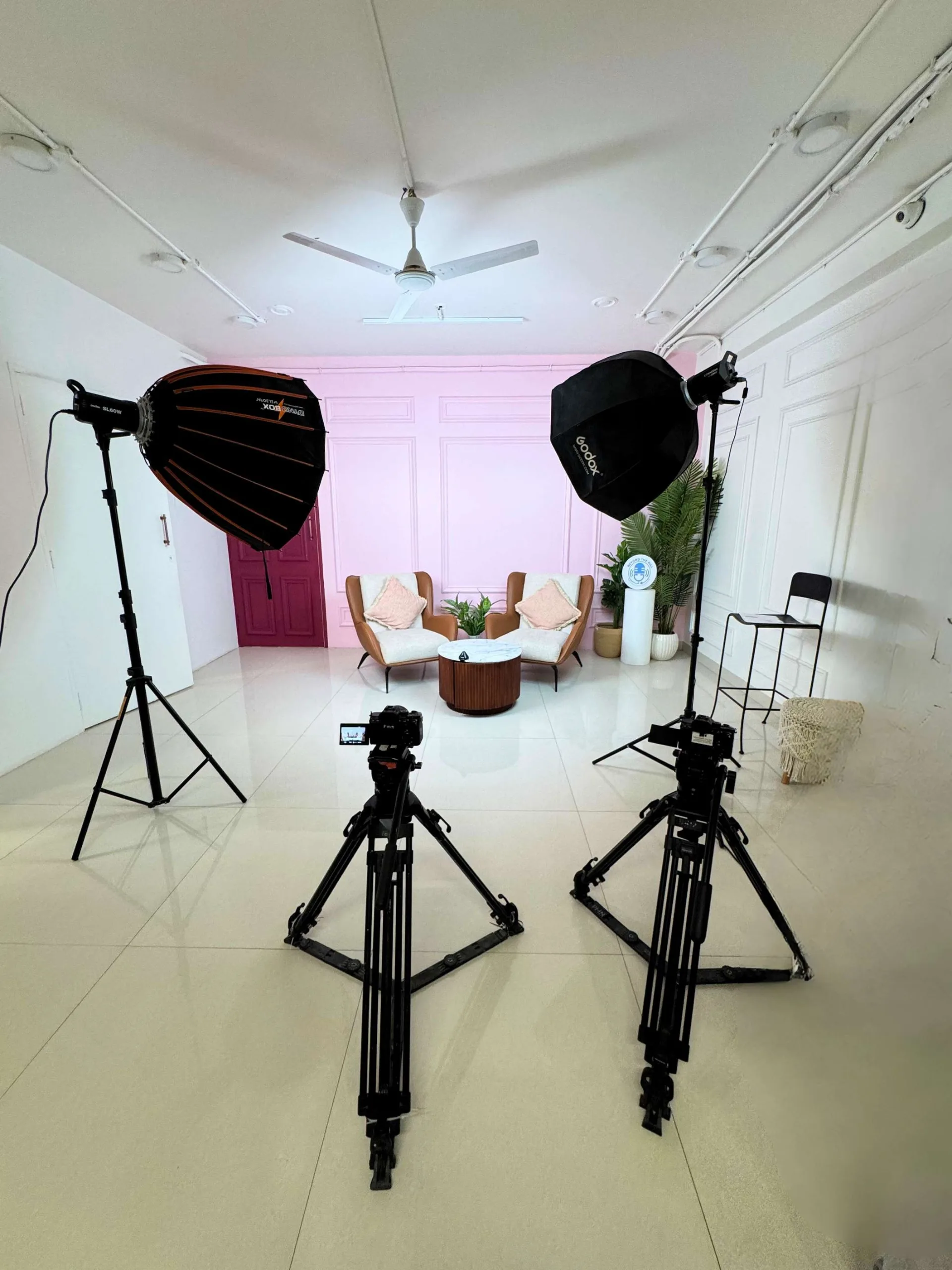
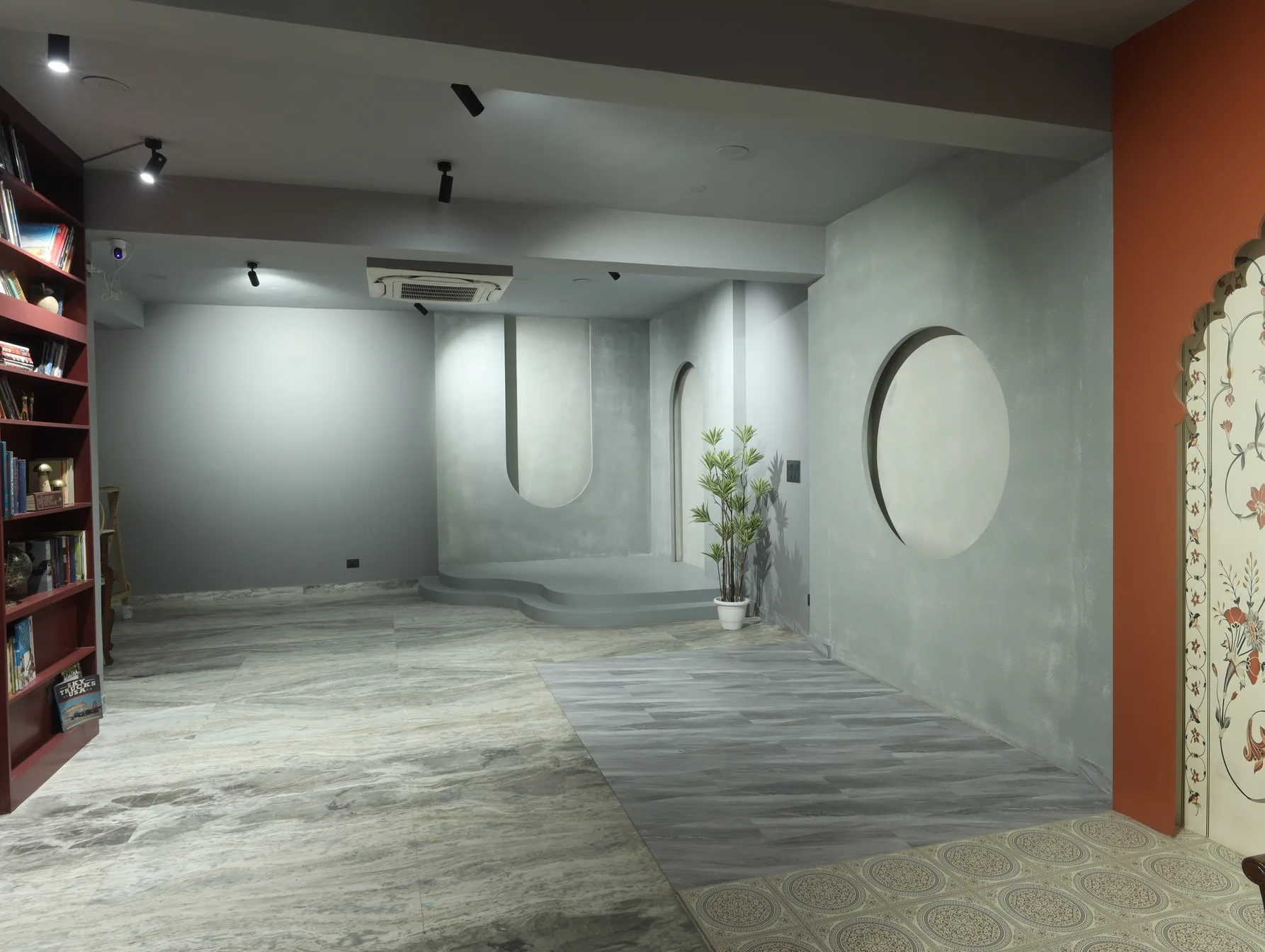
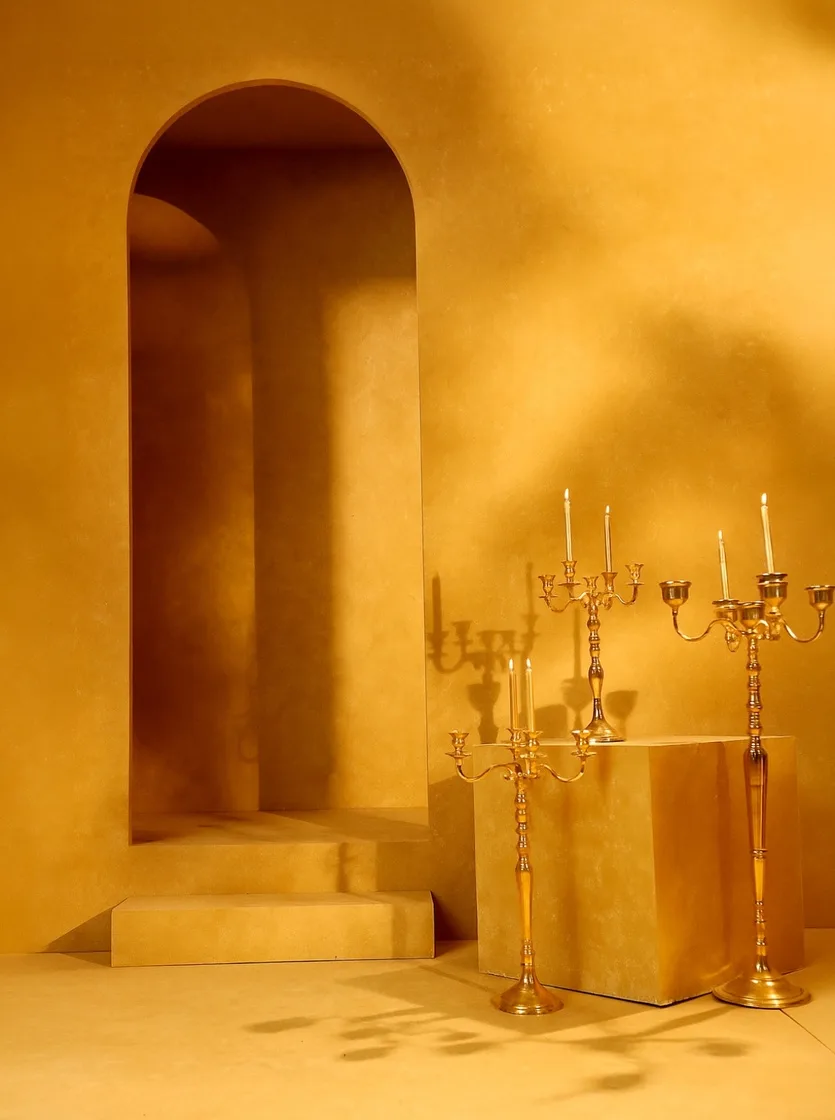
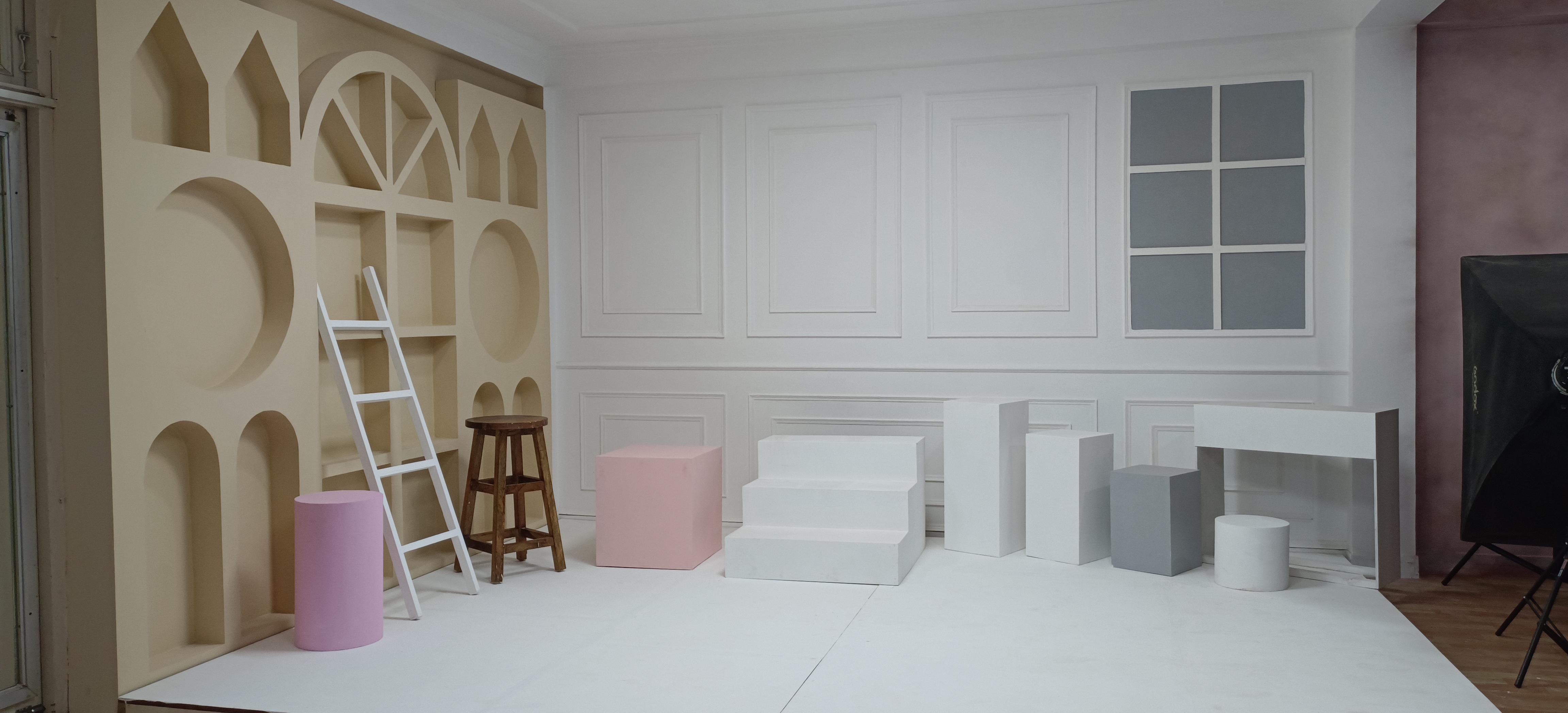
- More than one usable background or corner, so you are not stuck with a single visual look
- Enough natural or continuous lighting to avoid resetting gear between setups
- A changing area, since you will be swapping outfits on-site
- Flexible hourly slots rather than a fixed half-day/full-day package only, so you can book exactly the hours your shot list needs
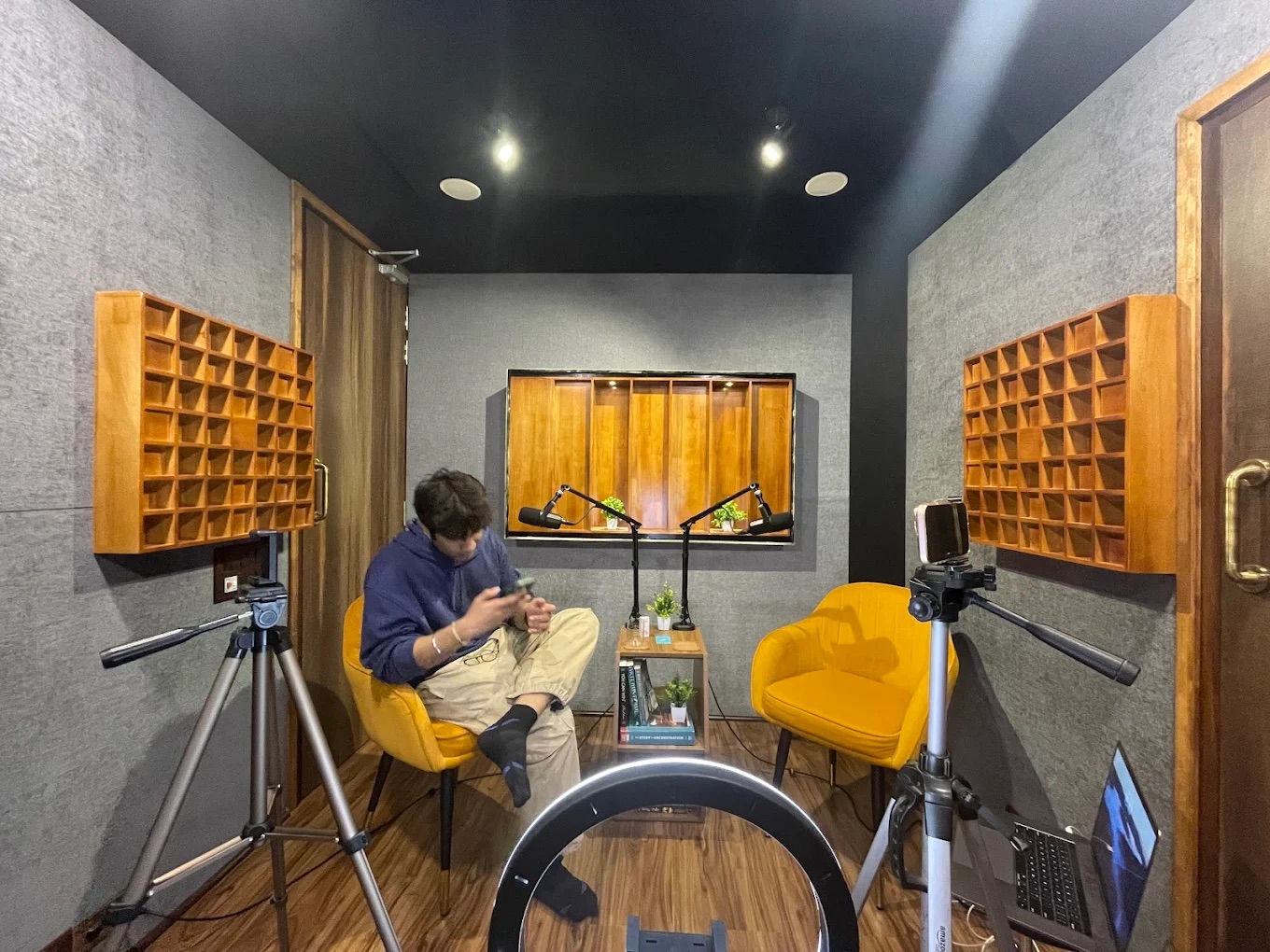
Studios aimed at podcasters or single-camera interviews are not always set up for this kind of multi-format day, so it is worth confirming the space suits reels, photos and any long-form piece you are combining into one booking.
FAQs: Content calendars and batch shoot days
How many reels can I realistically shoot in one studio day?
It depends heavily on preparation. With a tight shot list and 2-3 outfit changes ready in advance, many creators comfortably get 10-20 short reels done in a single studio day. Without a shot list, the same day often produces far less, because time goes into deciding what to shoot rather than shooting it.
How often should I actually post if I batch content monthly?
Batching the shoot does not mean batching the posting. Most creators still post 3-5 times a week; the studio day just means those posts were filmed together rather than separately. Consistency in posting matters more than how the content was produced.
Do I need a full day, or can a half-day booking work?
A half-day (3-4 hours) works well if you are focused on one or two content formats, like reels plus feed photos. A full day makes more sense once you are combining short-form, long-form video and photography in the same session.
How far in advance should I plan the content calendar?
Planning 4-5 weeks out is a practical middle ground: long enough to batch meaningfully, short enough that trends and brand deadlines don't shift too much before you post. Leave a couple of flexible slots each week for anything reactive.
What if I need to reshoot something mid-month?
Keep this the exception, not the plan. If a specific piece consistently underperforms or a brand requests a reshoot, book a short, targeted studio slot rather than restructuring the whole calendar around it.
Why book with ContCave
ContCave lists studios across Delhi NCR with transparent hourly pricing, so you can compare spaces by the hour instead of guessing from a flat day-rate. Filters for backdrops, natural light and equipment make it easier to find a studio that actually supports a multi-setup batch day, and instant booking means you can lock in the block of hours your content calendar needs without back-and-forth over availability.
Final takeaways
A content calendar for creators works best when the shoot and the posting schedule are treated as two separate problems. Plan the month's deliverables first, group them by setup, then book one well-chosen studio day to capture all of it.
- List every deliverable for the next 4-5 weeks before booking any studio time
- Group content by setup, not by format, to minimize changeovers
- Plan for 2-3 outfit or backdrop changes across the day
- Sort raw footage into a week-by-week posting plan before you leave the studio
- Book a studio with multiple usable backgrounds and flexible hourly slots for the next batch day